
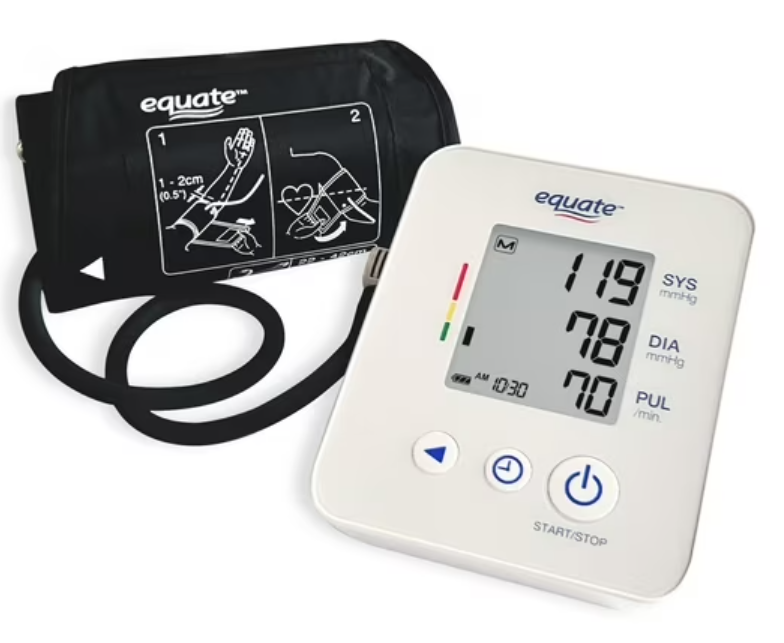
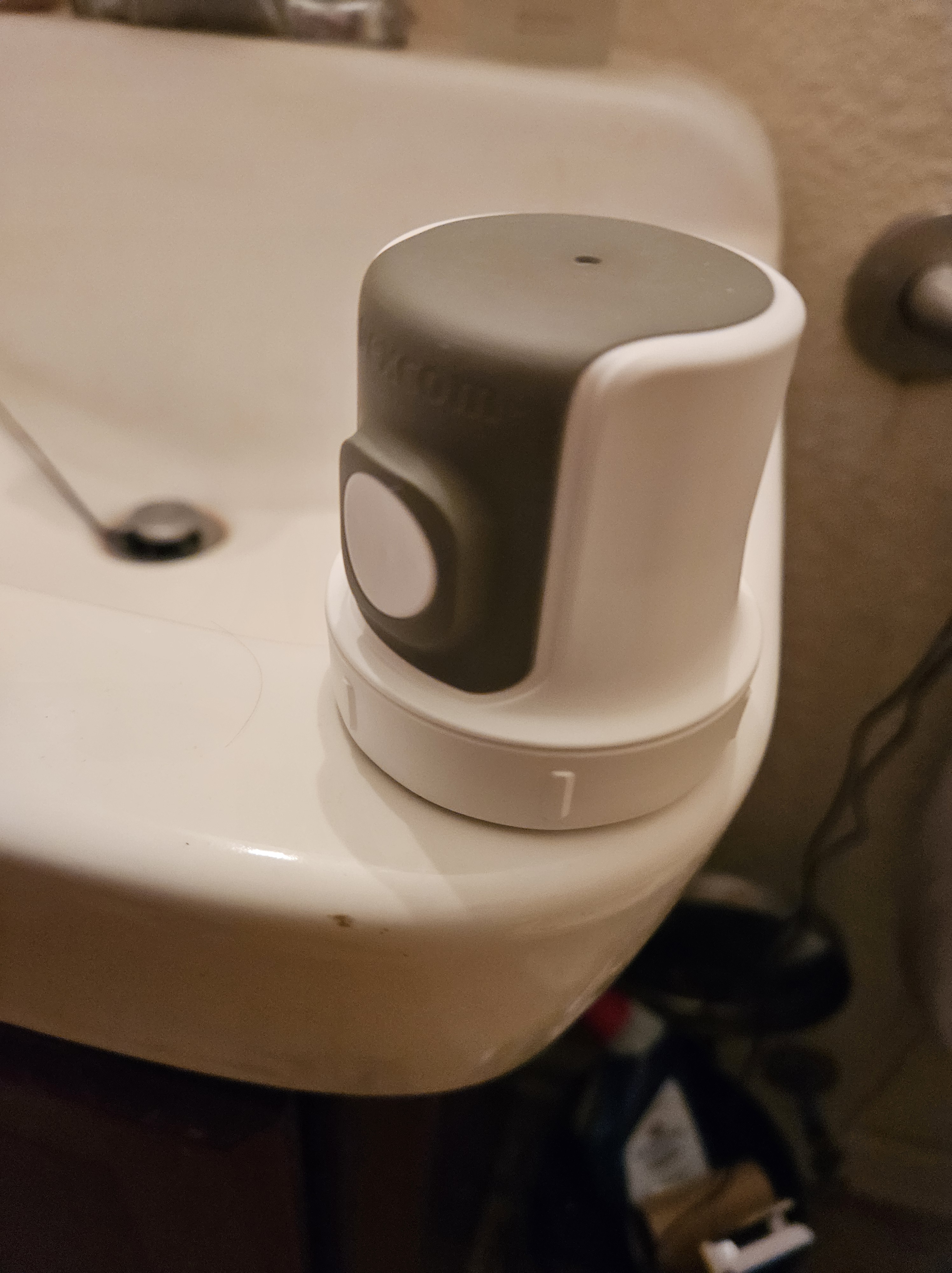

I put the Stelo CGM Sensor on this morning at about 7:15 am (12/23/25). I had been planning to put it on the back of my left arm, but then last night it suddenly occurred to me that I wouldn’t be able to take my blood pressure on that arm as I have been doing for quite some time. So, I began rehearsing how I would put the Stelo on my right arm.
But, this morning first thing, I went to my easy chair and got out the sphygmomanometer (blood pressure kit) and tried putting it on my right arm. Surprisingly it might have been easier to put it on my right arm than it was to put it on my left arm. It was just the way the velcro tape attached. So, I put the Stelo CGM Sensor on the back of my left arm.
I can’t say there was any pain when I pressed the white button to attach the sensor to my arm, but more like when a fresh breeze suddenly surprises you and you blink. Yeah, not painful but not nothing either. I had watched the “attachment” video and rehearsed in my mind the steps required.
- Take the bottom off the sensor attachment tool.
- Press the tool to the skin on the back of your arm.
- Press the white button, and the needle & filament are inserted, and I’m guessing the needle retracts immediately. My sense is that the needle is the support needed to deliver the flimsy filament under your skin, and having done it’s work, returns to the applicator.
- You then gently press the sensor into your arm. I guess to “seat it.”
- Add the green protector patch around the sensor and press your finger around it to make sure it sticks to the existing patch. I think this is a moisture barrier. *I was surprised that the patch donut went around the hump of the sensor, but it did.
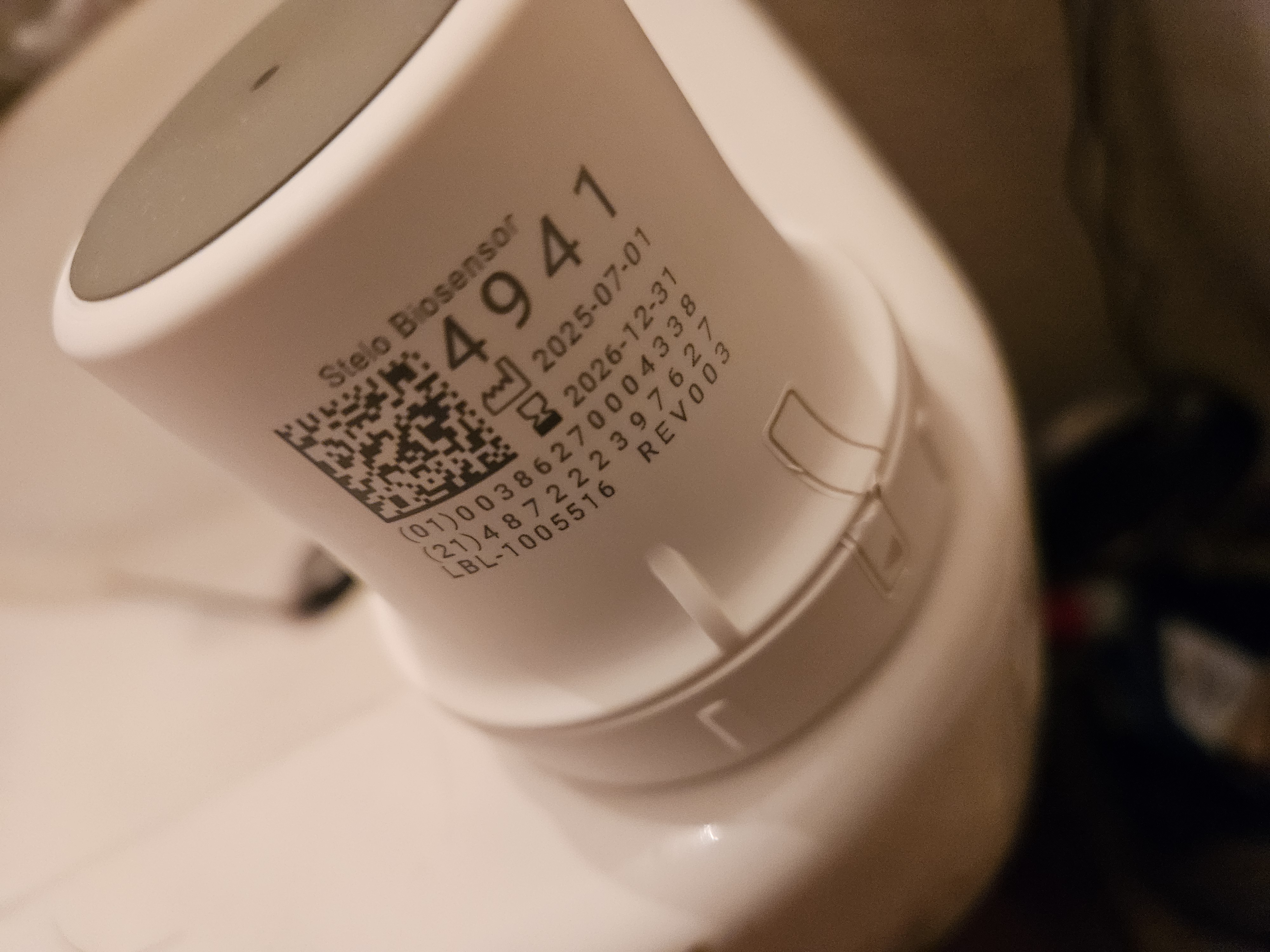
- Then scan the QR code to get the sensor ID so that the Stelo app can pair with your sensor. Took a few seconds but it found it and we were off to the races. Actually it said I had to wait 23 minutes while it checked things out.
- A little more than 23 minutes later I checked the app for the first time. It said my current Blood Glucose reading was 130 and stable. *My regular monitor had said I was at 103, which is the normal “ball park” figure currently.

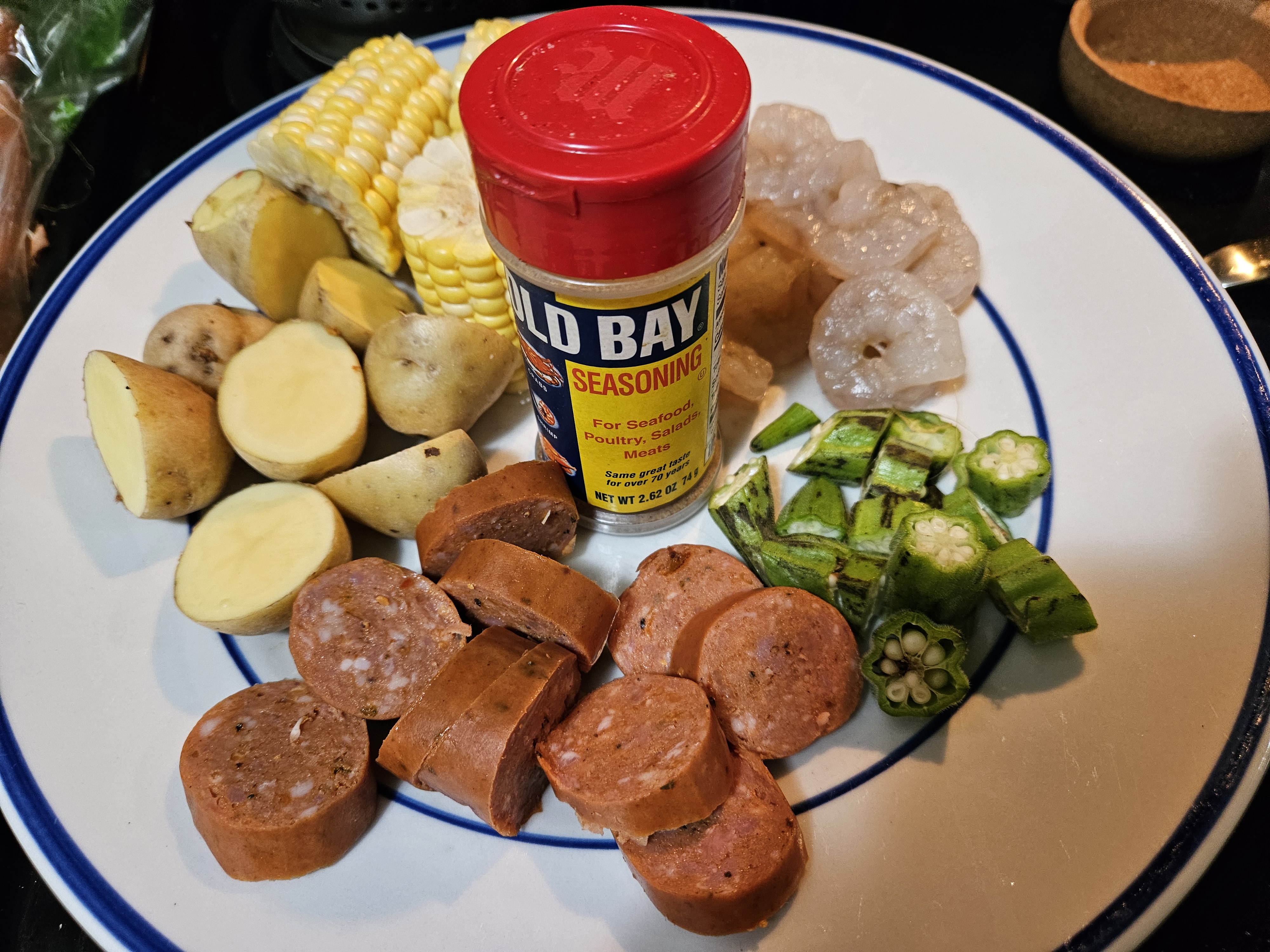
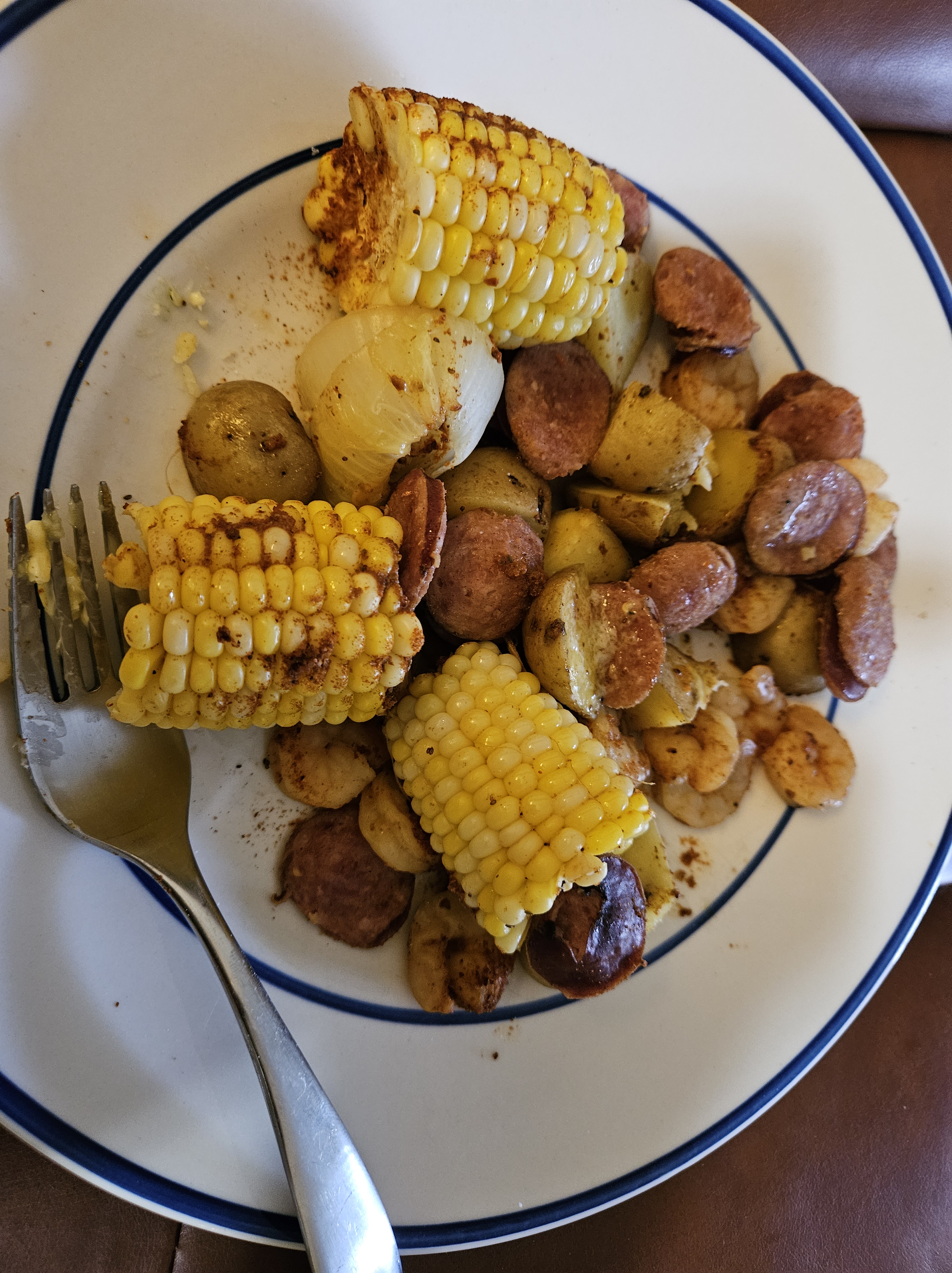
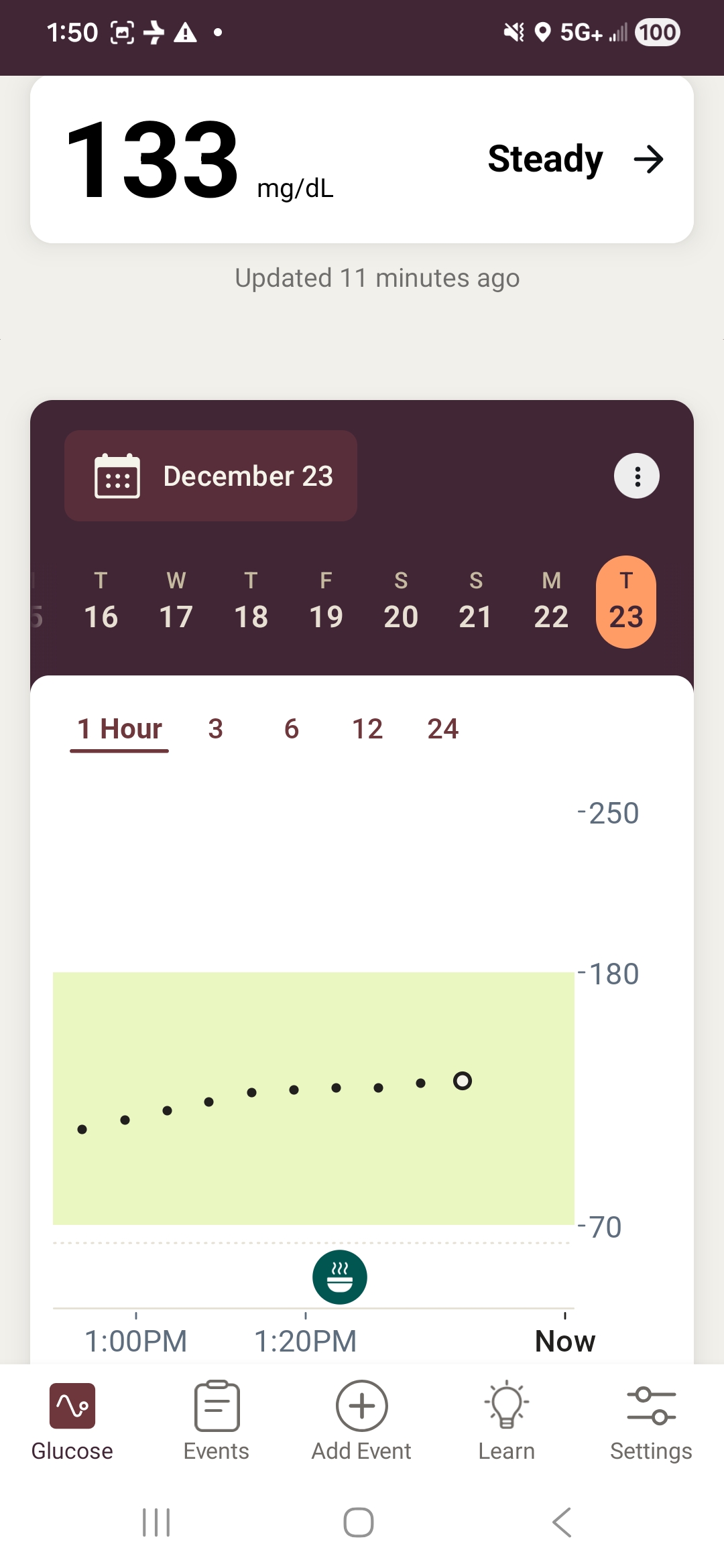
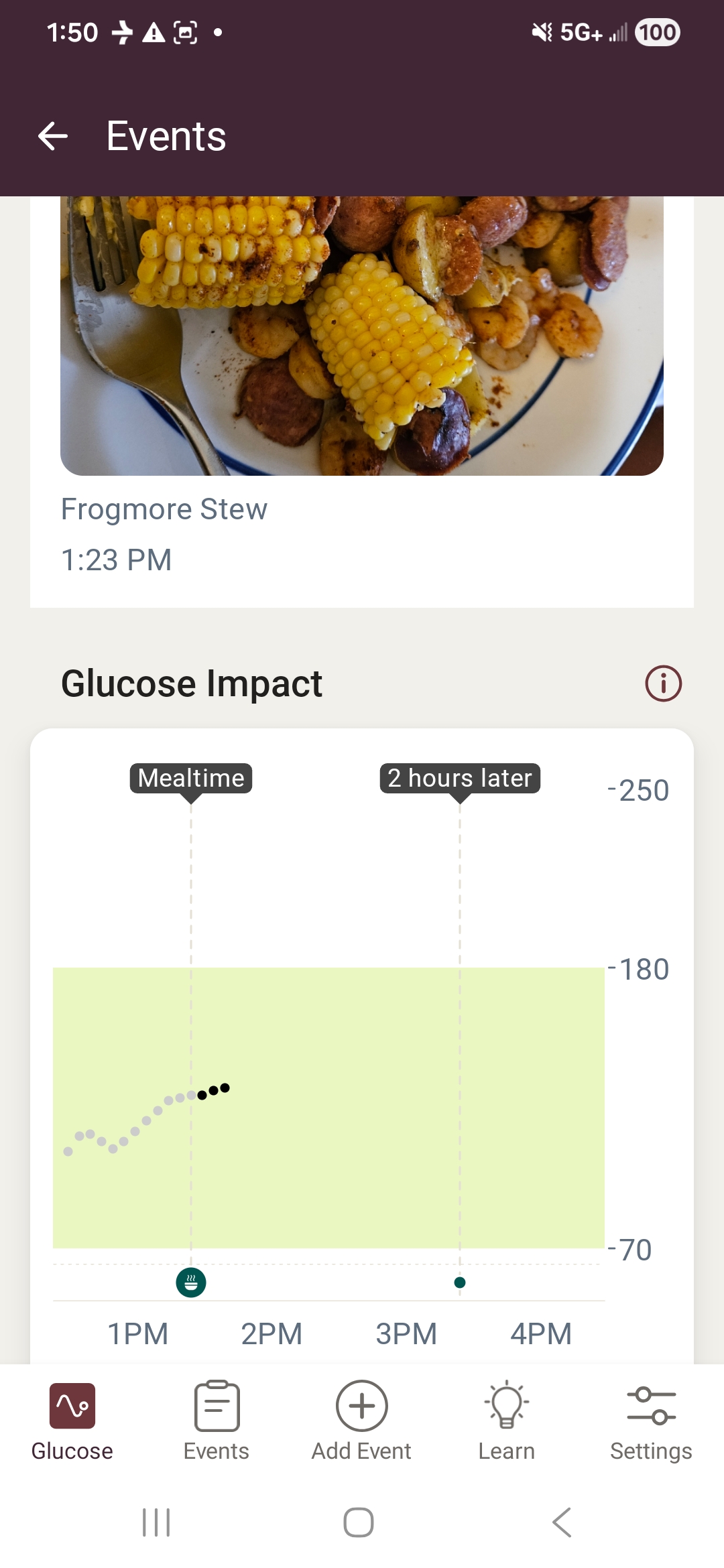
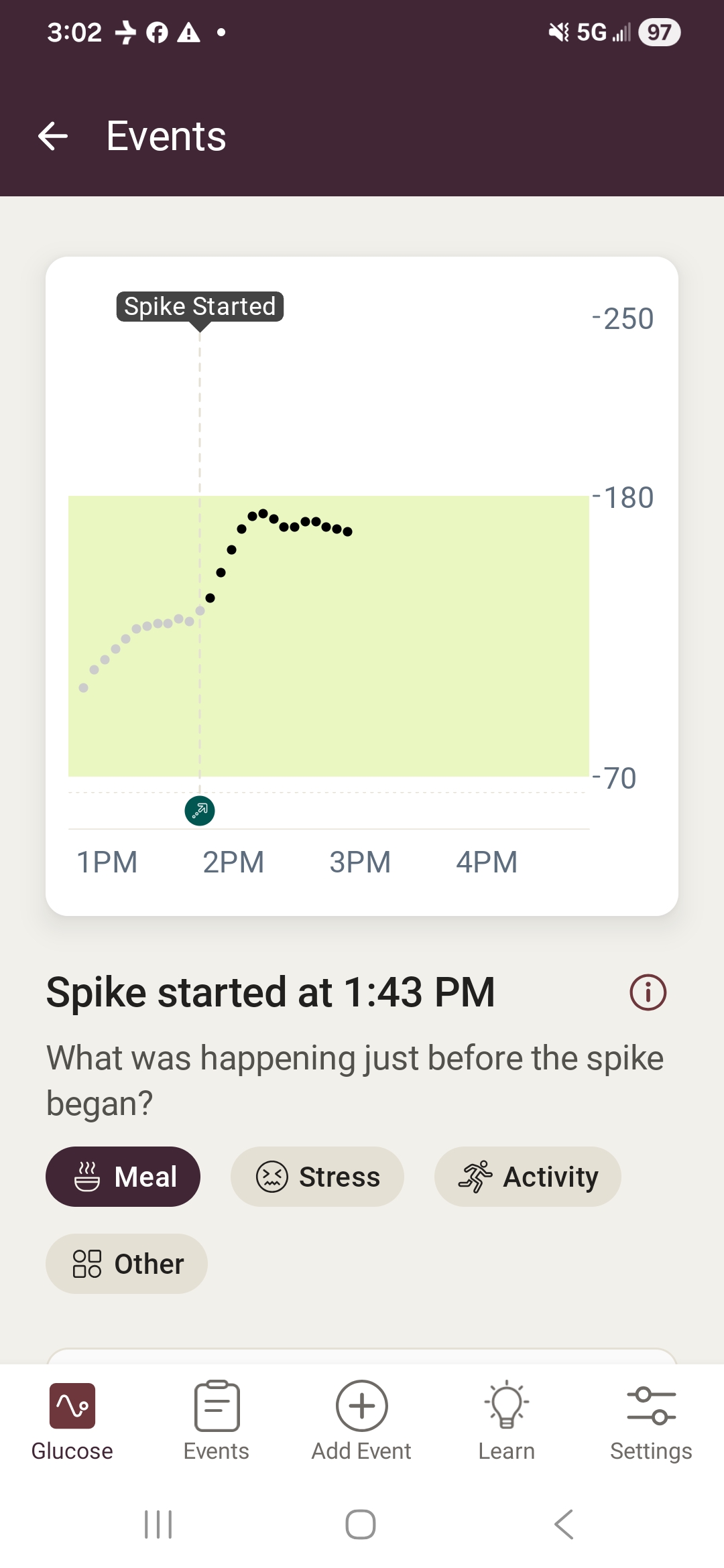
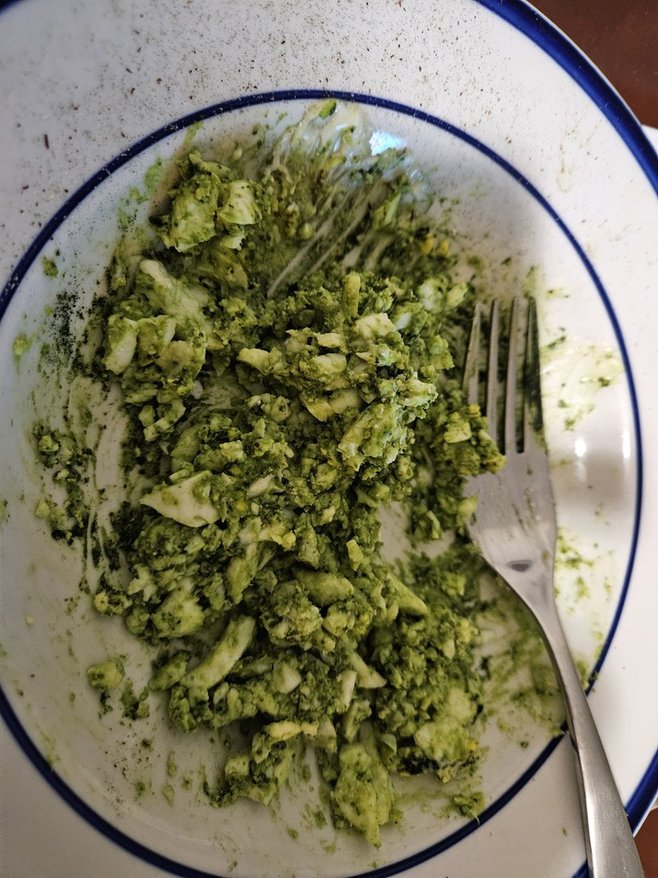
This meal has given me my first recorded Blood Sugar Spike and at the moment is nearing the 180 top of the normal range. Looks like it will go higher, but hopefully not too much higher.
The first sensor I installed worked for a week, from about 6 am on December 23rd, until about 9 pm on December 30th. I didn’t notice that it had stopped sending data to the app on my phone until the next morning and shortly after that I got the notice that this session had ended. That’s it! Fini! I ended up contacting Dexcom Support and they said they would send me a replacement, and that I would need to remove the old sensor and put a new one on. I have done this. It almost seems like this is a known issue. Both ChatGPT and Stelo thought nothing about what had occurred.
I have found a couple of meals that surprisingly do not spike my blood glucose level. The homemade pizzas that I create on the Thomas Keto Bagel Mini shows almost no spike.
 Bill Gibson, II